
Ecommerce growth guides for Indian businesses, online stores, grocery sellers, restaurants, cloud kitchens, and hyperlocal brands.
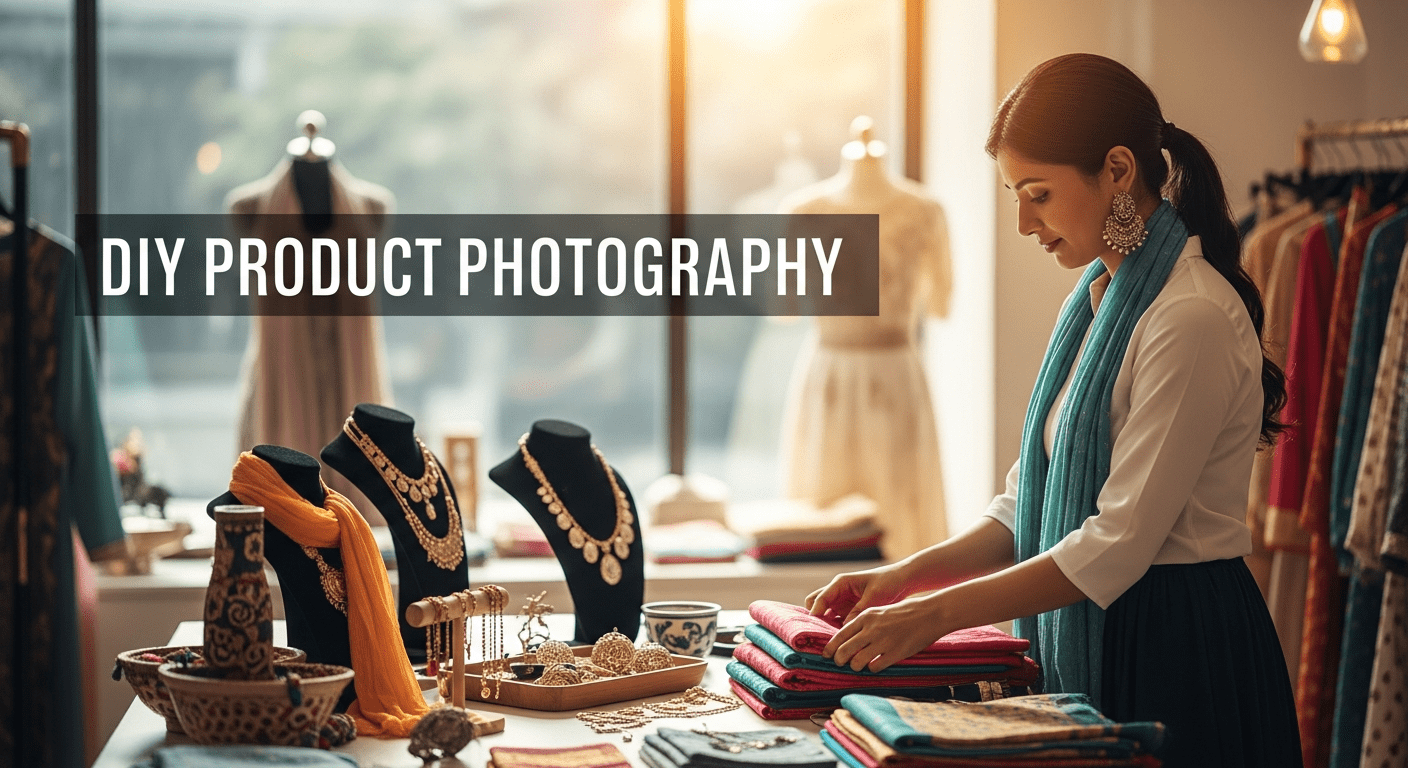
DIY Product Photography for Indian Online Stores
Learn how to create professional-looking product photos for your Indian online store using just a smartphone and natural light to boost conversions and brand trust.

Introduction:
In the fast-moving world of ecommerce, first impressions are everything. For Indian online retailers, especially small brands using platforms like BuildMyStore.io, product photos often decide whether a visitor becomes a buyer. High-quality images build trust, increase conversions, and set your brand apart from the competition. The good news? You don’t need expensive gear or a professional photographer to create visual content that sells. With a smartphone and some simple tricks, you can shoot product photos that are clean, clear, and conversion-ready.
This guide is designed to help Indian entrepreneurs, homegrown businesses, and budget-conscious ecommerce owners create professional-looking DIY product photos that boost sales and improve customer engagement.

Why Product Photography Matters in Indian Ecommerce
In India, where buyers are still gaining confidence in online purchases, clear and attractive photos are critical. Here’s why:
- Builds Trust: Sharp, detailed images give customers a better understanding of the product and build trust.
- Improves Conversions: A good product image can increase the chance of converting visitors into paying customers.
- Reduces Returns: When customers clearly see what they’re buying, they’re less likely to return the product.
- Boosts Brand Image: Consistent visuals reflect professionalism and help establish your brand’s identity.
- Supports Marketing Campaigns: Good visuals are essential for successful social media and digital marketing strategies.
What You Need to Get Started
You don’t need a DSLR. Today’s smartphones have powerful cameras. Here’s what you need:
- Smartphone with a Good Camera: Preferably one with portrait mode and decent low-light capability.
- Natural Light: Use a well-lit space near a window. Natural light gives your photos a clean and professional look.
- White Backdrop: A plain wall, chart paper, or foam board works well.
- Tripod or Stand: Even a stack of books can help you keep the phone steady.
- Reflectors: Use aluminum foil, white cardboard, or even a white cloth to bounce light.
- Basic Editing App: Snapseed, Lightroom Mobile, or Canva can help enhance your images.
Types of Product Photos You Should Take
To make your product listing more effective, include a variety of photos that support different parts of the customer journey.
1. White Background Photos
These are clean and distraction-free. They work best for ecommerce platforms and give a professional look.
2. Lifestyle Shots
Show the product in use. For example, show a necklace on a model or a candle lit during Diwali. This connects with potential customers emotionally.
3. Close-Ups
Highlight important details like texture, stitching, or sparkle. These help customers understand quality.
4. Scale Shots
Place the product next to a common item like a coin or hand to help buyers judge the size.
5. Packaging Photos
Indian shoppers value beautiful packaging. Show them what the product will look like when delivered.
6. Group Shots
Display different color or style variants together to help customers compare at a glance.

How to Set Up a DIY Product Shoot on a Budget
Here’s how to build your home studio for less:
- Backdrop: Use a white wall, bedsheet, or chart paper.
- Lighting: Morning or late afternoon light is best. Avoid harsh midday sun.
- Shadow Control: Place reflectors on the opposite side of the window to remove dark shadows.
- Keep the Phone Steady: Use books, cups, or a selfie stick to stabilize your phone.
- Camera Settings: Tap on the product to focus and slightly reduce brightness to avoid overexposure.
- Use Grid Lines: Helps align your product properly.
- Try Multiple Angles: Eye-level, 45-degree, and top-down views give customers a complete picture.
DIY Product Photography Tips
- Clean the Lens: Smudges reduce photo quality.
- Use Portrait Mode: It blurs the background and highlights your product.
- Avoid Zooming: It reduces clarity. Move closer instead.
- No Filters: Adjust brightness or contrast but keep colors real.
- Consistency is Key: Stick to a uniform style for all product photos.
Editing Like a Pro (Without Hiring One)
Editing apps are easy and free. Here’s a step-by-step process:
- Brightness & Contrast: Brighten dark areas, reduce glare.
- Color Correction: Match the real-life colors.
- Sharpen: Improve clarity, but don’t overdo it.
- Crop for Composition: Focus attention on the product.
How to Use Photos on BuildMyStore
BuildMyStore.io allows Indian small businesses to launch online stores quickly. Here’s how to make the most of your product visuals:
- Use Square Photos: 1080×1080 px is ideal for most templates.
- Add 3-5 Images per Product: Show various angles and lifestyle shots.
- Homepage Banners: Upload your best lifestyle shot to capture attention.
- Optimize for Mobile: Make sure your product images look good on phones, since most Indian shoppers use mobile apps.
Your ecommerce store isn’t the only place to use great visuals. Repurpose your product photos for:
- Social Media Platforms: Instagram, Facebook, Pinterest, Moj.
- Marketing Campaigns: Use visuals in WhatsApp promotions, emailers, and ads.
- Product Catalogs: Print or PDF for resellers and agents.
- Landing Pages: Better images increase conversion rate.
Real Stories from Indian Sellers
- Home Decor Brand in Bengaluru: Used only natural light and a phone. Their lifestyle shots featuring diyas during festivals led to a 50% rise in festive sales.
- Skincare Brand from Pune: Highlighted ingredients and textures using macro shots. The images were repurposed on social media platforms and increased user engagement by 70%.
- Fashion Boutique in Surat: Used friends as models, shot in local cafés and parks. They saw a rise in traffic from social platforms thanks to relatable visuals.
Why Good Photos Equal Better Business
Great product visuals do more than make your site pretty. They:
- Improve Search Engine Rankings: Search engines prioritize well-optimized images.
- Boost Conversion Rate: Good images help potential customers make quick decisions.
- Build Trust: Clear visuals reduce guesswork, building long-term loyalty.
- Support Strategic Planning: Knowing what images drive results helps in future campaigns.
Whether you’re just starting or looking to scale, product images are your silent salesperson. Make every click count.

Final Thoughts:
DIY product photography is not just about saving money it’s about taking control of how your products appear to the world. For Indian ecommerce sellers using platforms like BuildMyStore.io, mastering visuals can be your biggest competitive advantage.
You don’t need expensive equipment or advanced editing skills just a smartphone, natural light, and a creative mindset. From your homepage to your product pages to your social media channels, strong visuals can tell your brand’s story, influence purchasing decisions, and drive ecommerce growth in India.
Use this guide to take your visuals to the next level and convert more browsers into buyers.
Frequently Asked Questions
Can I take professional product photos with a smartphone?
Yes, modern smartphones have powerful cameras capable of high-quality product photography. By using natural light, a steady tripod, and basic editing apps like Snapseed or Lightroom, you can create images that look professional and drive sales for your online store.
What is the best lighting for DIY product photography in India?
Natural light is the best and most cost-effective option. Setting up near a window during the morning or late afternoon provides soft, diffused light. Avoid harsh midday sun as it creates deep shadows and overexposed highlights.
Why should I use a white background for my product photos?
A white background is clean, removes distractions, and makes your product the sole focus. It is the standard for most ecommerce platforms and helps maintain a professional, consistent look across your BuildMyStore.io catalog.
How many photos should I include per product listing?
It is recommended to include 3 to 5 images per product. This should include a main white background shot, close-ups of details, a scale shot to show size, and a lifestyle image to show the product in use.